

.png)
Retouching and album design usually slow down for one reason: unclear feedback.
Clients send mixed messages, references get lost, and you end up going back and forth just to confirm small changes.
A simple system using likes, comments, and drawings can fix that.
1. Start with likes to lock the selection
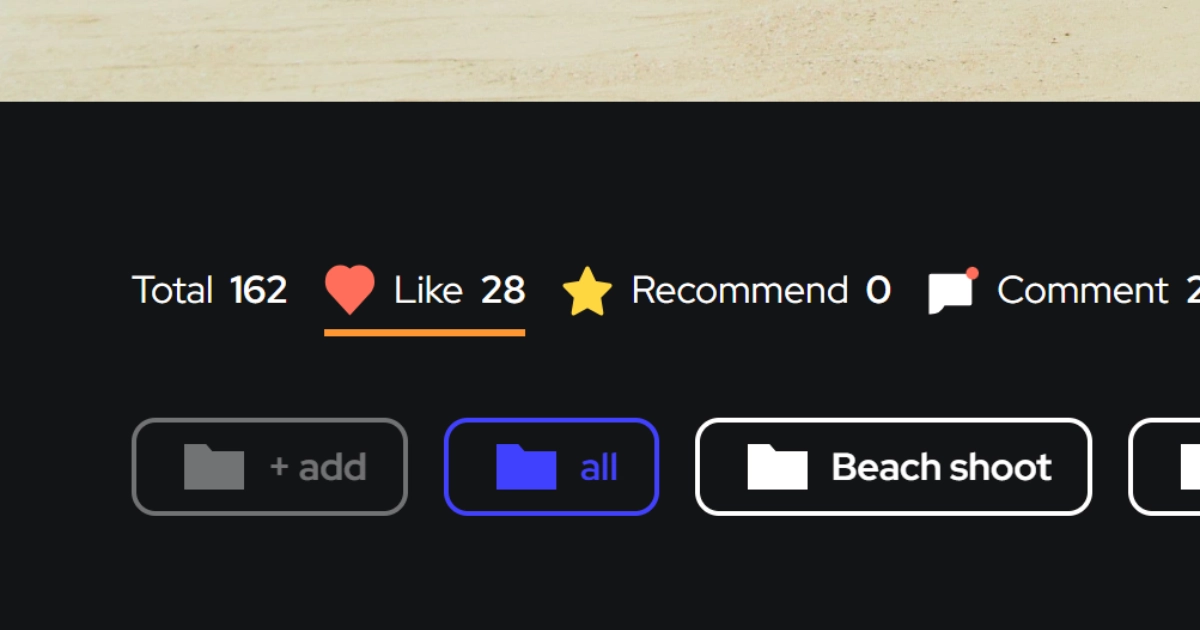
Before editing anything, get clients to select their photos using likes or favorites.
This becomes your working set.
No guessing, no “just edit a few first”—you know exactly what needs to be retouched or included in the album.
2. Use comments to define edits
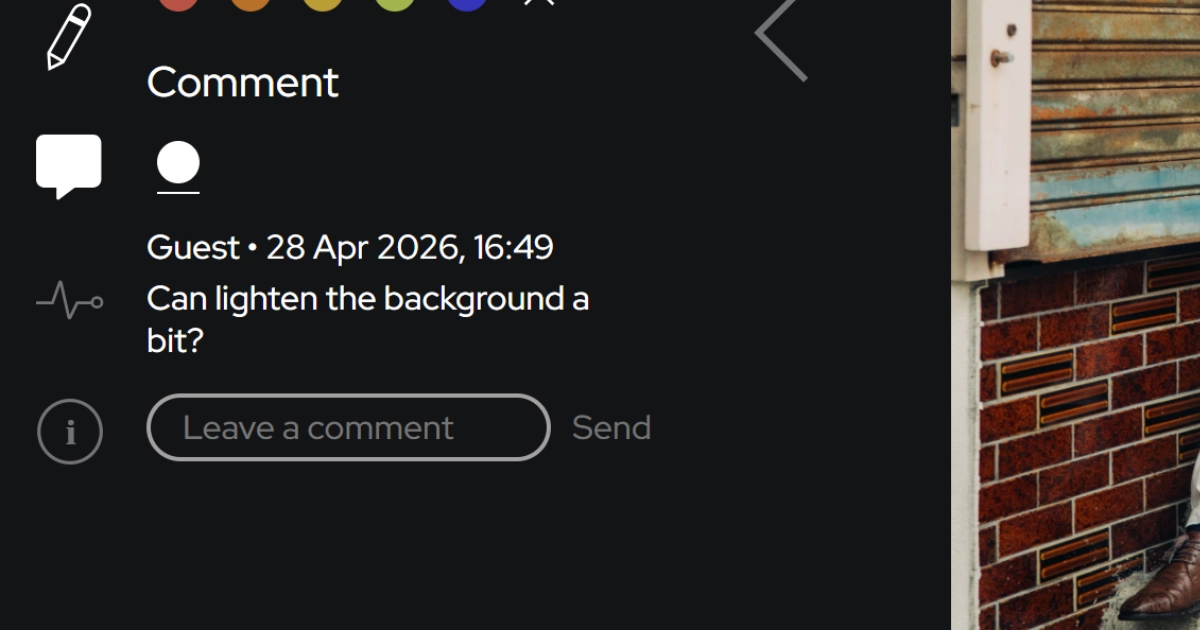
Once selections are clear, comments handle the details.
Clients can say things like:
“Slight skin retouch”
“Make this brighter”
“Use this as cover photo”
Because comments sit on each image, you don’t have to match feedback to file names.
Everything is already in context.
3. Use drawings for precise instructions
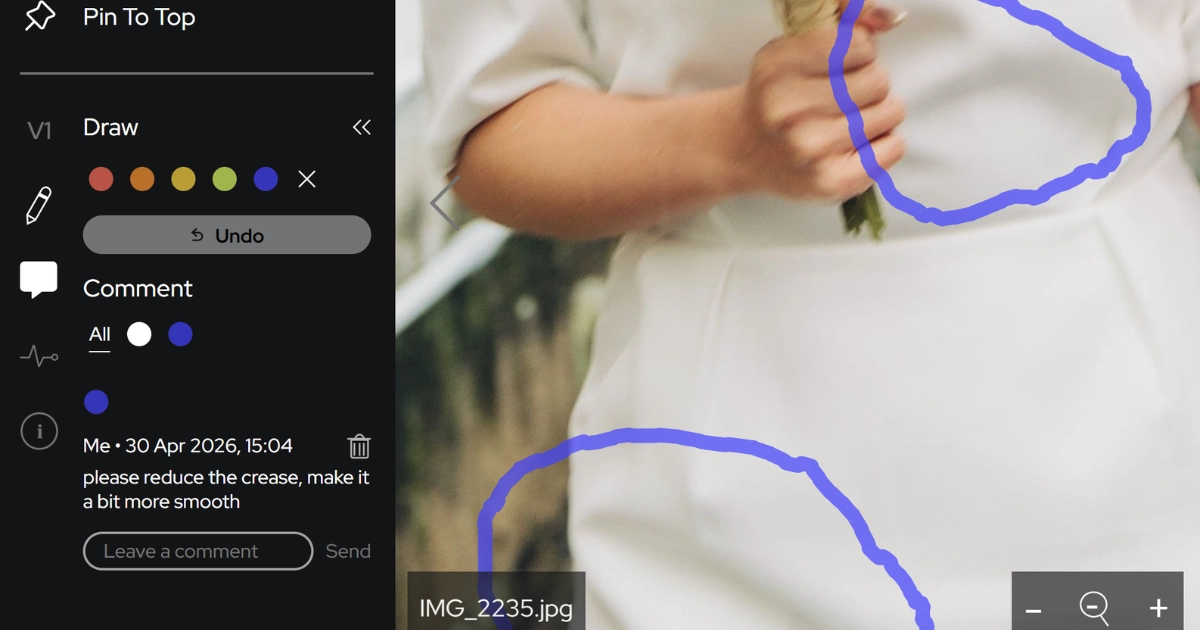
This is where things get faster.
Instead of explaining:
“Can you remove the object on the left near the chair?”
Clients can just:
Circle the object
Draw an arrow
Mark the exact area
No interpretation needed.
This is especially useful for:
Retouching details
Cropping directions
Layout guidance for albums
4. Apply the same workflow to album design
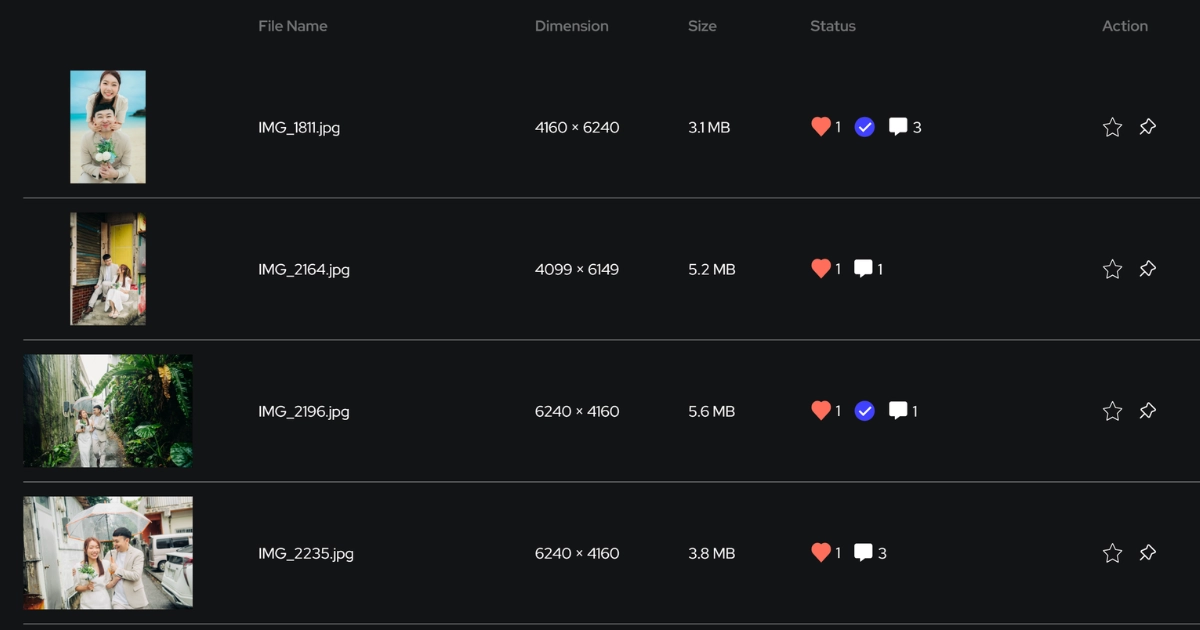
Album design feedback often gets even messier than photo edits.
With the same system:
Likes = selected photos for the album
Comments = notes on layout or sequence
Drawings = exact placement or crop direction
For example:
“Use this as full page”
“Crop tighter here”
“Move text to this area”
Everything stays tied to the visual.
5. Avoid scattered feedback
The biggest time loss comes from switching between tools:
WhatsApp for comments
Email for approvals
Separate docs for notes
When everything is in one place:
You don’t miss edits
You don’t redo work
You move faster
6. Reduce revisions and turnaround time
Clear input = fewer revisions.
When clients can:
Select clearly
Comment directly
Mark exact changes
You spend less time clarifying and more time delivering.
Why this works
It removes ambiguity.
Instead of interpreting feedback, you just follow it.
That’s what speeds up both retouching and album design.