
-1.png)
Sharing photos is part of every project.
But once files start moving across links, chats, and different tools, privacy risks show up quickly.
Client work—whether it’s pre-wedding shoots, brand campaigns, or corporate events—often involves sensitive images. Handling them properly isn’t optional.
Use controlled access, not open links
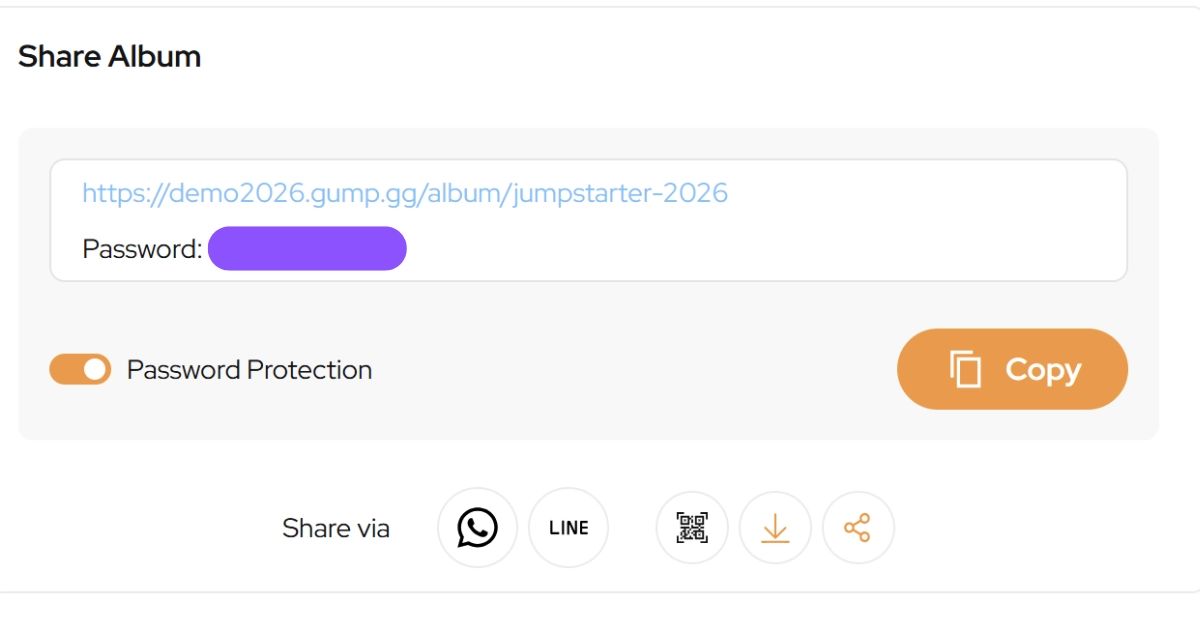
Avoid sending fully public links.
Instead, use galleries where you can control:
Who can access
Whether login is required
Whether downloads are allowed
This helps prevent images from being shared without your knowledge.
Set permissions clearly
Not everyone needs the same level of access.
For example:
Clients → view, select, comment
Internal team → edit, manage
External partners → limited access
Clear permissions reduce accidental misuse.
Avoid sending files over chat apps
WhatsApp and email are convenient, but not ideal for control.
Once a file is sent:
You lose control over distribution
Versions get mixed up
Files can be forwarded easily
A shared platform keeps things cleaner.
Keep feedback inside the platform
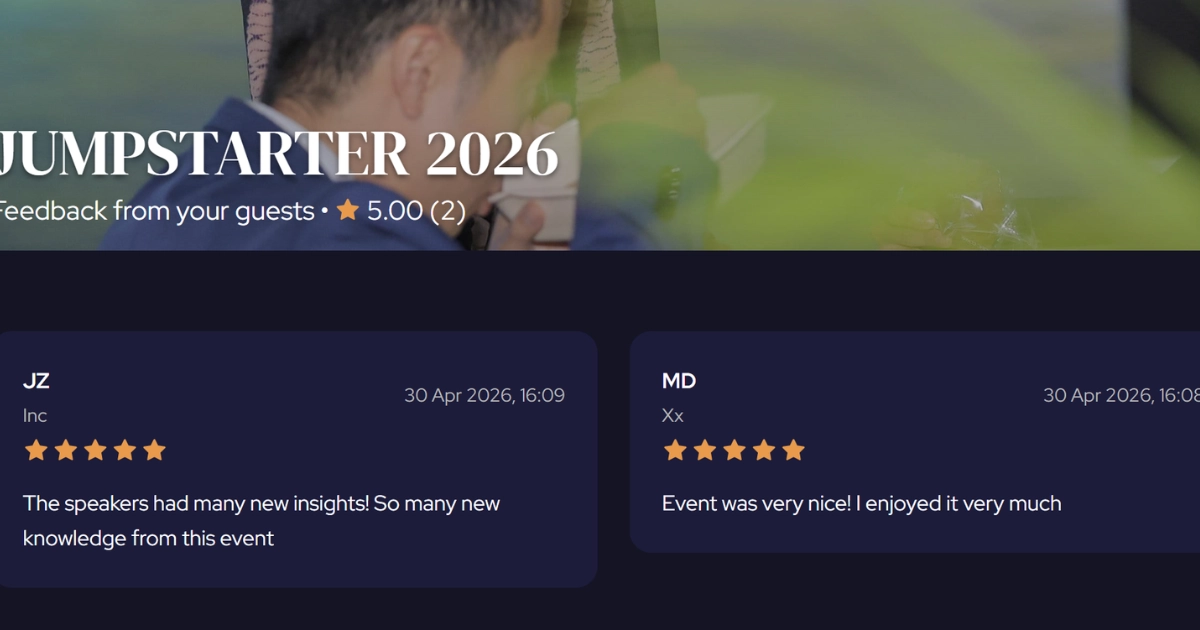
When feedback is scattered, people resend images just to explain something.
That increases exposure.
If comments and markup stay within the gallery:
Fewer files are duplicated
Less risk of leaks
Everything stays traceable
Limit downloads when needed
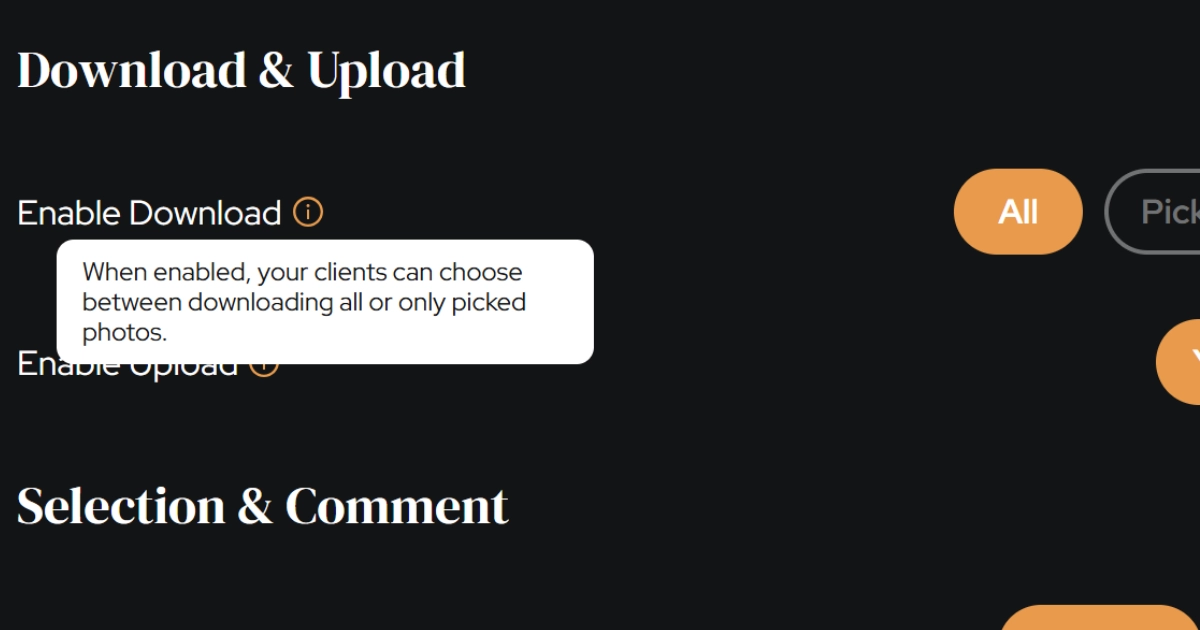
Not every stage requires full download access.
For earlier stages:
Use view-only access
Share watermarked previews
Control downloads
This is especially useful for unreleased or sensitive content.
Use watermarking for protection

Watermarks help discourage misuse before final delivery.
They’re useful for:
Previews
Drafts
Multi-stakeholder reviews
Keep everything in one system
The biggest risk comes from fragmentation.
When files are spread across different tools, you lose visibility.
A single place for:
Galleries
Feedback
Approvals
…keeps everything more secure.
Why this matters
Clients expect their photos to be handled properly.
A clean, controlled workflow:
Builds trust
Reduces risk
Looks more professional
Final thoughts
Data privacy doesn’t have to complicate your workflow.
Small changes—like controlled access and centralized feedback—go a long way.
You don’t need more tools.
You just need a better system.