

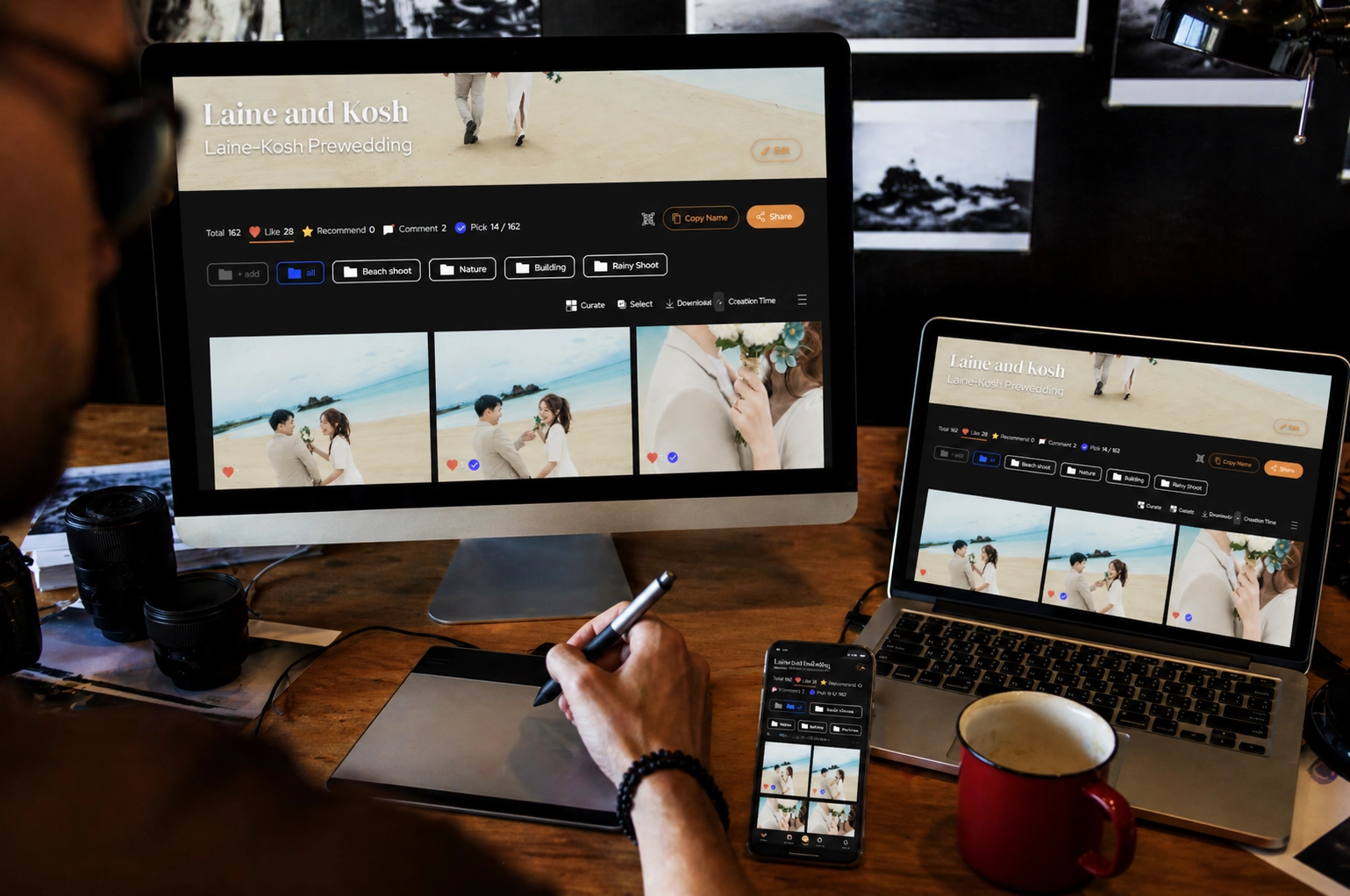
In today’s fast-paced creative workflows, delivering beautiful photos is only half the job. The real challenge? Getting clear, fast, and actionable feedback from clients without endless back-and-forth messages, scattered notes, or missed revisions.
That’s where a structured photo selection process comes in.
Instead of treating photo delivery as a one-way handoff, modern teams across Asia, from pre-wedding photographers in Singapore to brand agencies in Hong Kong, are shifting toward collaborative selection workflows.
Here a step-by-step guide on how to run a smooth, professional photo selection session that keeps everyone aligned.
1. Start With a Clean, Shareable Gallery
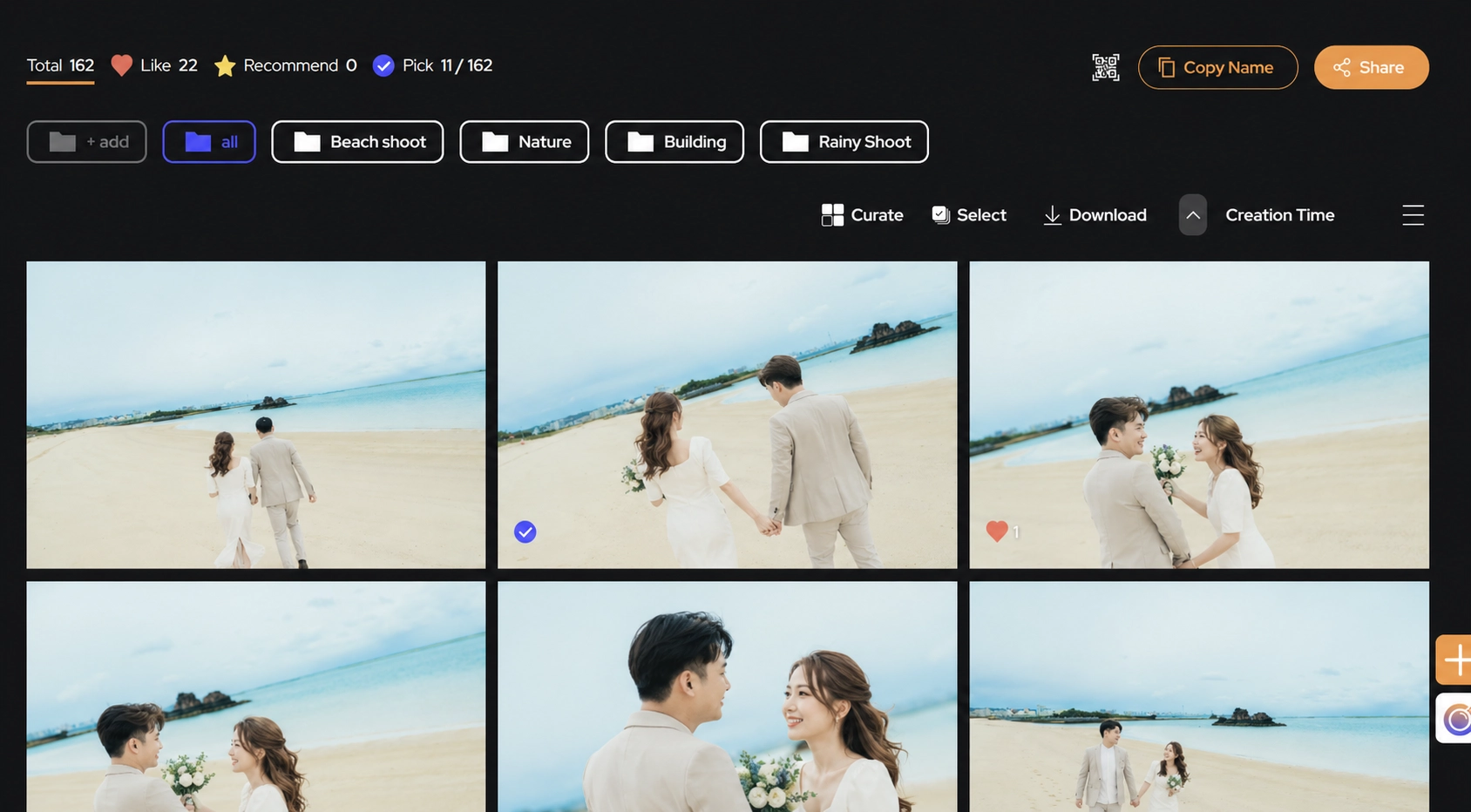
The first step is simple: present your work in a way that’s easy to navigate.
Upload your images into a centralized gallery and share it with your client. This becomes the single source of truth. No more sending files via multiple links, email attachments, or chat apps.
A good gallery should allow clients to:
View images in high quality
Navigate easily (by scene, look, or category)
Interact directly with each photo
This sets the foundation for structured collaboration.
2. Let Clients “Heart” Their Favorites
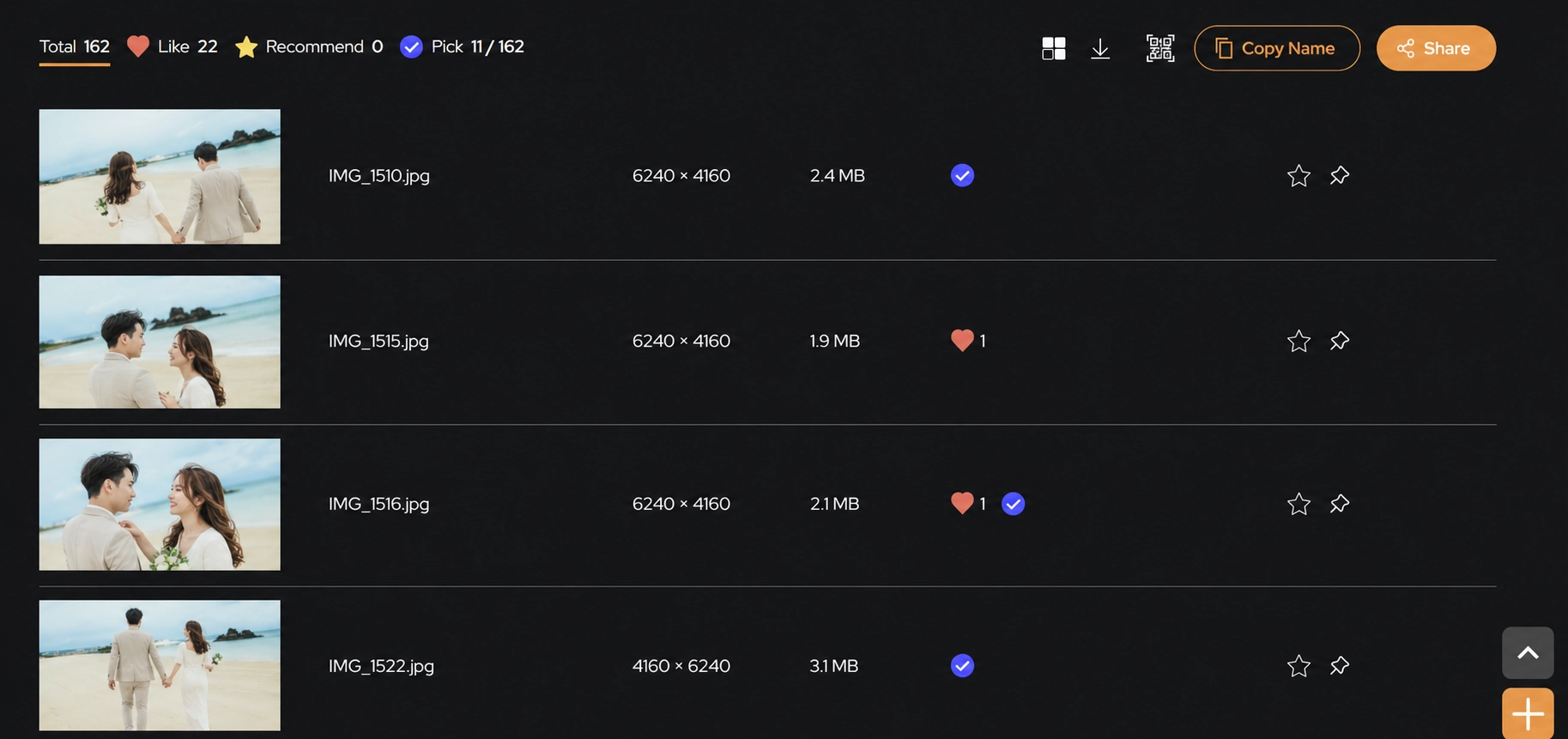
Instead of asking clients to list file names manually (which often leads to confusion), let them simply like or favorite the images they want.
This does two things:
Speeds up decision-making
Eliminates miscommunication (“IMG_4829 or IMG_4830?”)
For example, in a pre-wedding shoot, couples can quickly shortlist their favorite moments without needing to explain each choice. In brand campaigns, marketing teams can align internally before finalizing selections.
3. Use Comments for Clear, Contextual Feedback
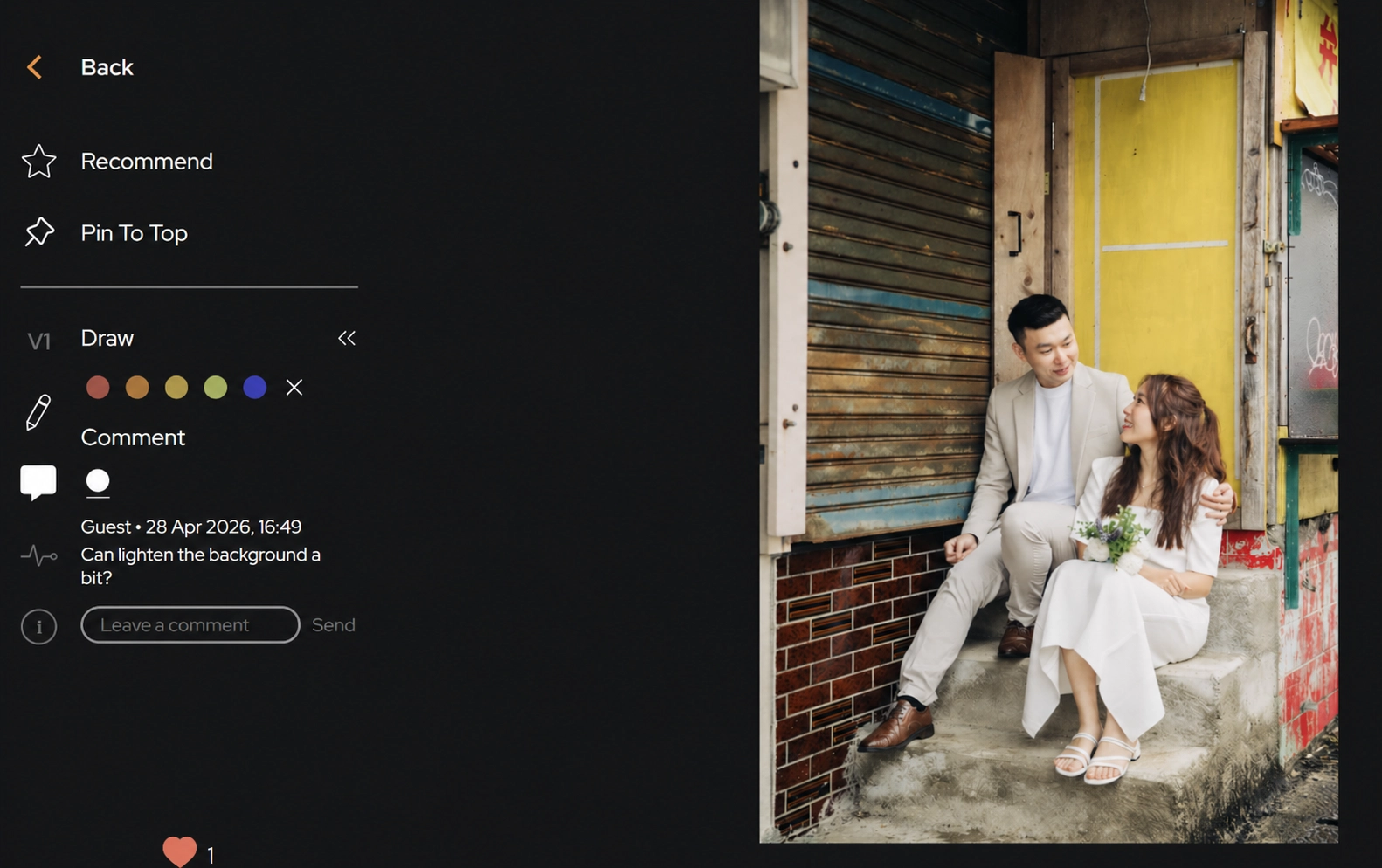
Once selections are made, the next step is refinement.
Clients often have specific feedback like:
“Can we brighten this?”
“Remove the object in the background”
“Use this for the main visual”
Instead of sending long messages, they can comment directly on each image.
This keeps feedback:
Organized
Contextual
Easy to track
No more digging through WhatsApp threads or email chains to figure out what changes apply to which photo.
4. Add Markup for Precision (Game Changer)
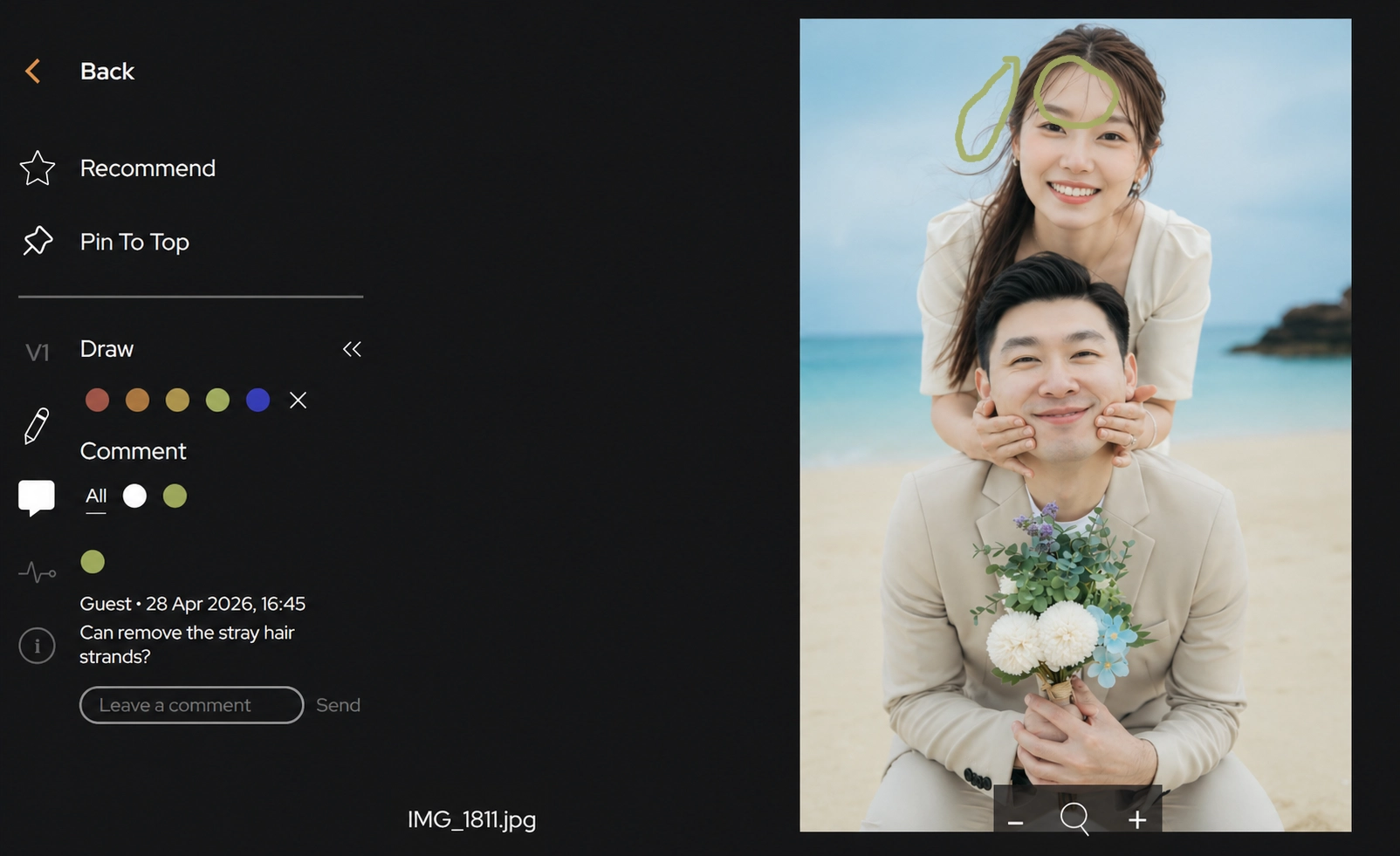
Sometimes words aren’t enough.
That’s where drawing and markup tools become incredibly powerful.
Clients can:
Circle areas to retouch
Draw arrows to highlight focus points
Mark exact crop zones
For example:
A fashion brand in Hong Kong might mark where fabric needs retouching
A couple might circle distracting elements in a wedding shot
A marketing team might indicate text placement areas
This removes ambiguity completely—what the client wants becomes visually obvious.
5. Keep Everything in One Place
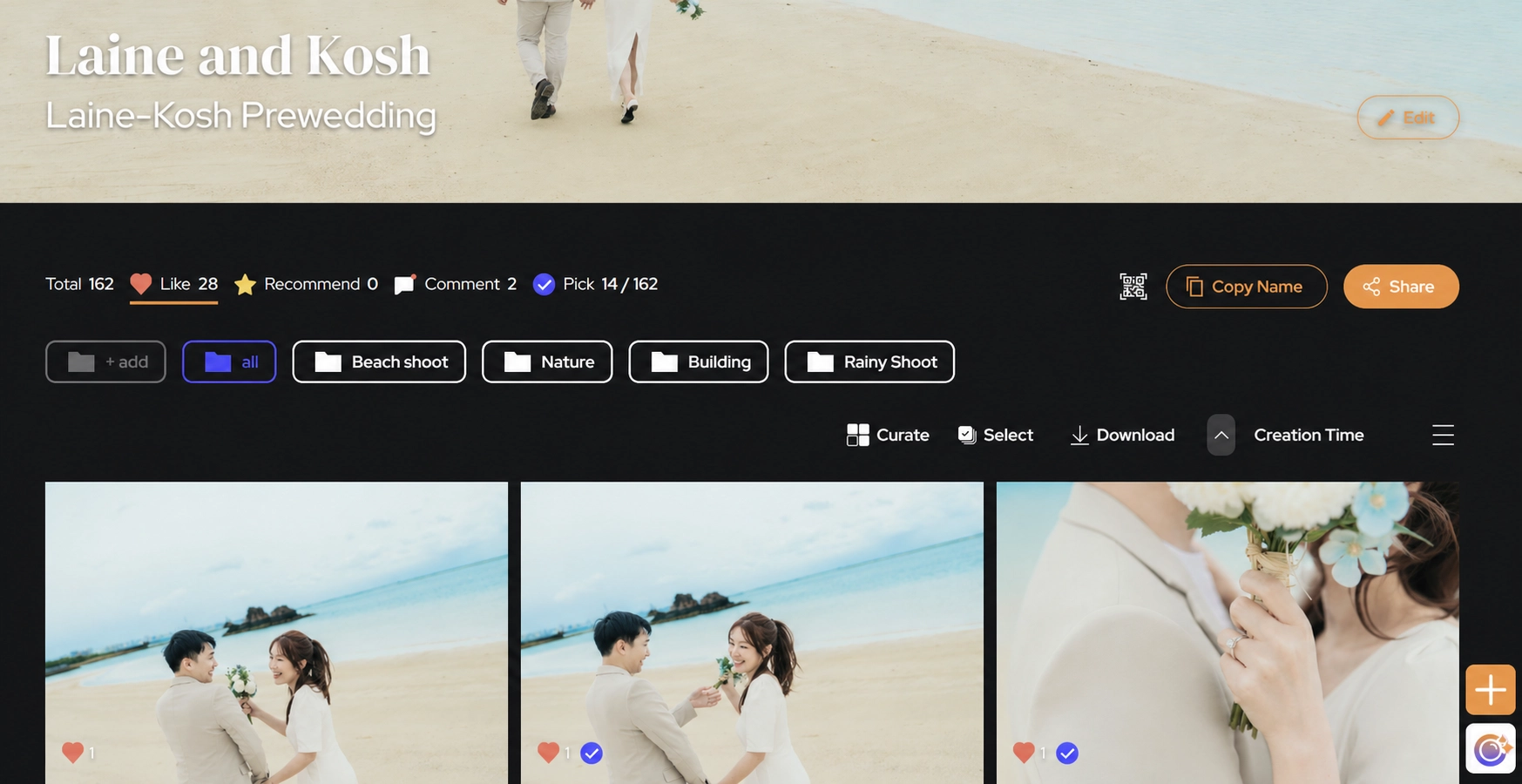
The biggest workflow killer is fragmentation.
When favorites, comments, approvals, and revisions are spread across different platforms, things get lost. Deadlines slip. Frustration builds.
A smooth workflow keeps everything:
In one gallery
In one thread
In one system
Photographers and teams can instantly:
See selected images
Review all comments
Track requested edits
Export final selections
6. Export and Finalize Faster
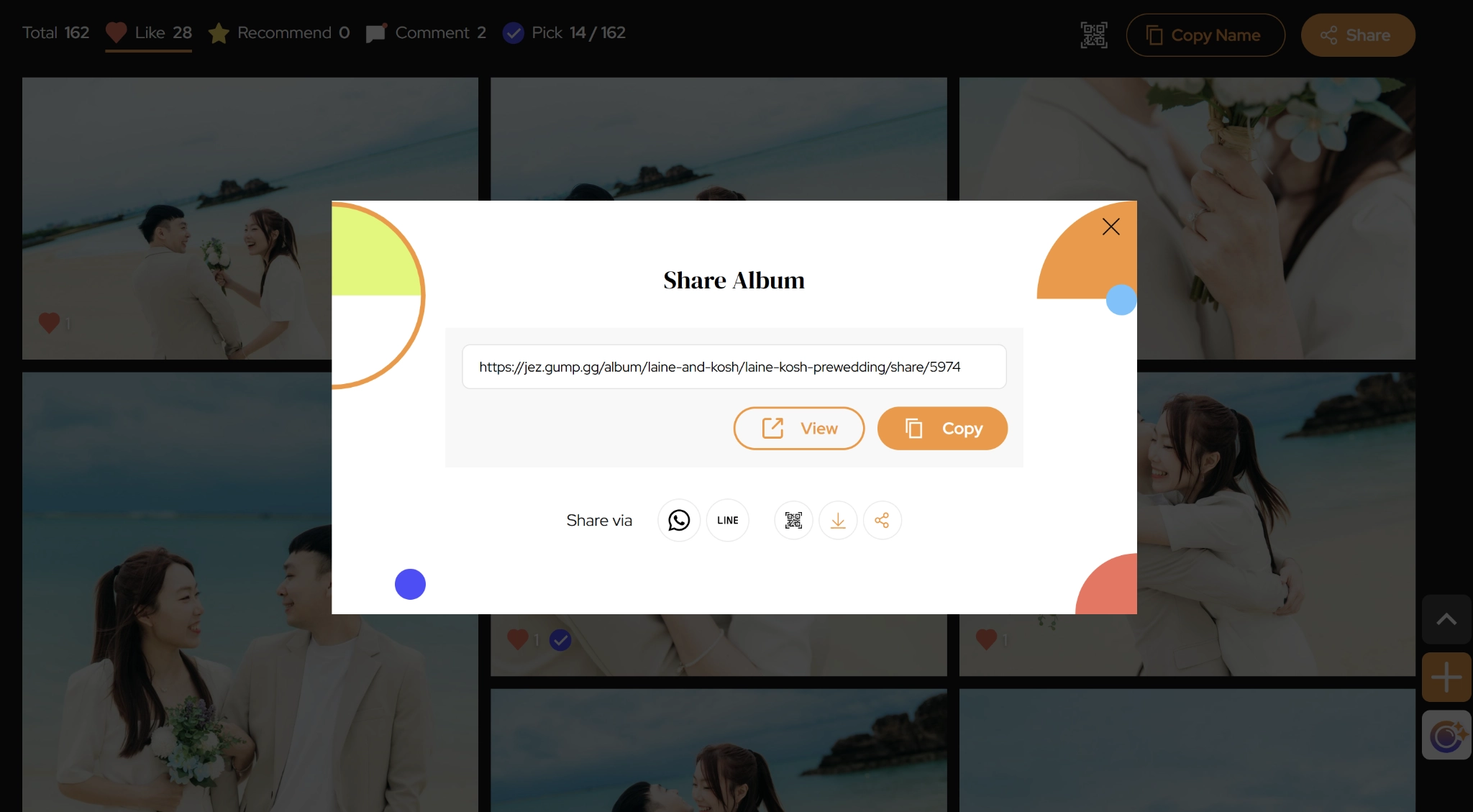
Once feedback is complete, the final step is simple:
Filter selected (favorited) images
Review comments and markup
Export the final selection list
No need to manually compile notes or double-check messages.
This shortens turnaround time and creates a more professional experience for clients.
Why This Matters (Especially in Asia)
Across Asia’s creative industries, speed and clarity are everything.
Whether you're working with:
Fast-moving brand teams in Singapore
Detail-oriented clients in Hong Kong
High-volume shoots across Southeast Asia
A structured selection workflow helps you:
Deliver faster
Reduce revisions
Look more professional
Scale your work without chaos
Final Thoughts
Photo delivery is no longer just about sending files—it’s about collaborating effectively.
By combining:
Favorites (for selection)
Comments (for feedback)
Markup (for precision)
You turn a messy process into a seamless experience.
And when clients find it easy to work with you, they come back.