
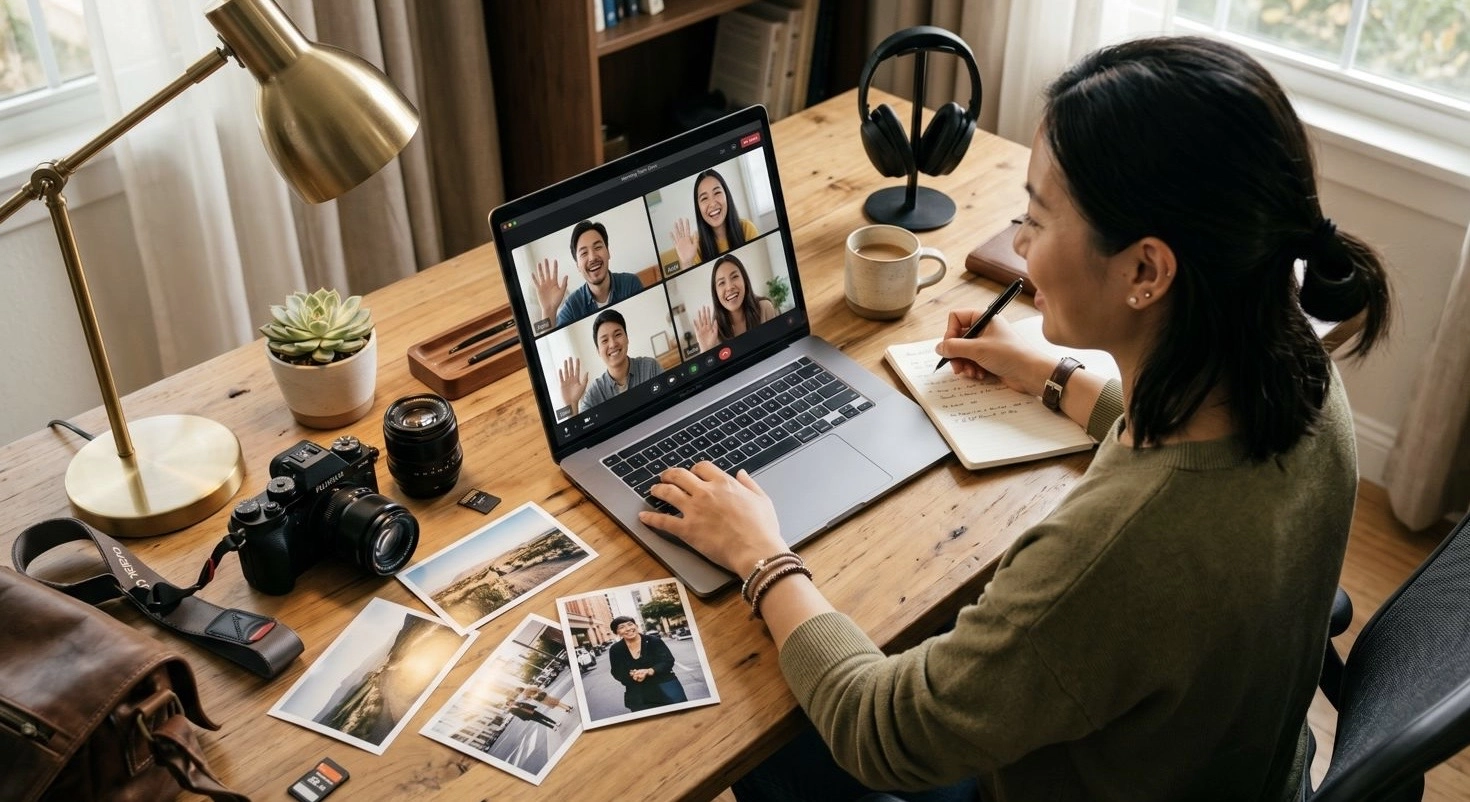
As teams become more distributed across Asia, the way we collaborate on creative work is changing rapidly.
A marketing team in Singapore might be working with a photographer in Hong Kong, while approvals come from stakeholders in Tokyo or Jakarta. Campaign timelines are tight, expectations are high, and communication happens across different time zones, languages, and tools.
In this environment, managing photo projects efficiently is no longer just a creative challenge.
It is a workflow challenge.
Why Photo Collaboration Becomes Complex in Asia
Asia is one of the most dynamic and fast-moving regions for content creation.
But it also presents unique collaboration challenges:
Teams spread across multiple countries and time zones
Language differences and communication gaps
Multiple stakeholders with different priorities
Heavy reliance on messaging apps like WhatsApp or WeChat
Files shared through links, drives, and scattered folders
Without a structured workflow, photo collaboration can quickly become fragmented.
The Problem with Traditional Workflows
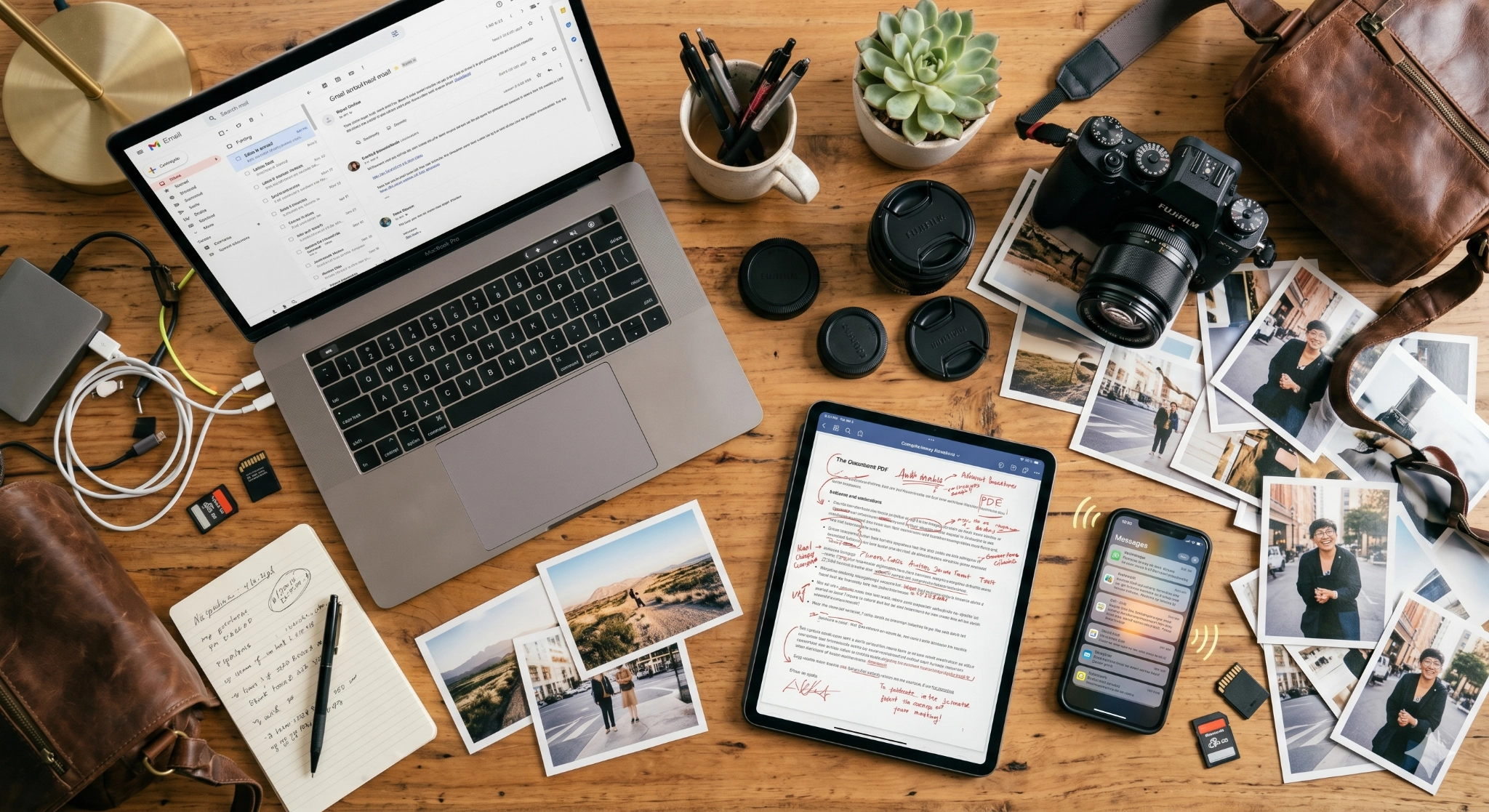
Many teams still rely on a mix of tools to manage photo projects:
Google Drive or Dropbox for file sharing
Email for feedback
Messaging apps for quick comments
PDFs or slides for selections
While each tool serves a purpose, using all of them together creates inefficiency.
Common issues include:
Feedback scattered across platforms
Confusion over latest file versions
Delayed approvals due to missing context
Repeated back-and-forth communication
Difficulty tracking who approved what
This slows down campaigns and creates unnecessary stress for both photographers and teams.
What a Modern Photo Collaboration Workflow Looks Like
To work effectively across Asia, teams need a workflow that is centralized, clear, and scalable.
A modern photo collaboration workflow should include:
One shared platform for all images
Clear selection and approval process
Comments directly on photos
Visual markup for precise feedback
Real-time updates for all stakeholders
• Easy sharing across teams and regions
• Controlled access and privacy settings
Instead of switching between multiple tools, everything happens in one place.
Step 1: Centralize Your Photo Library
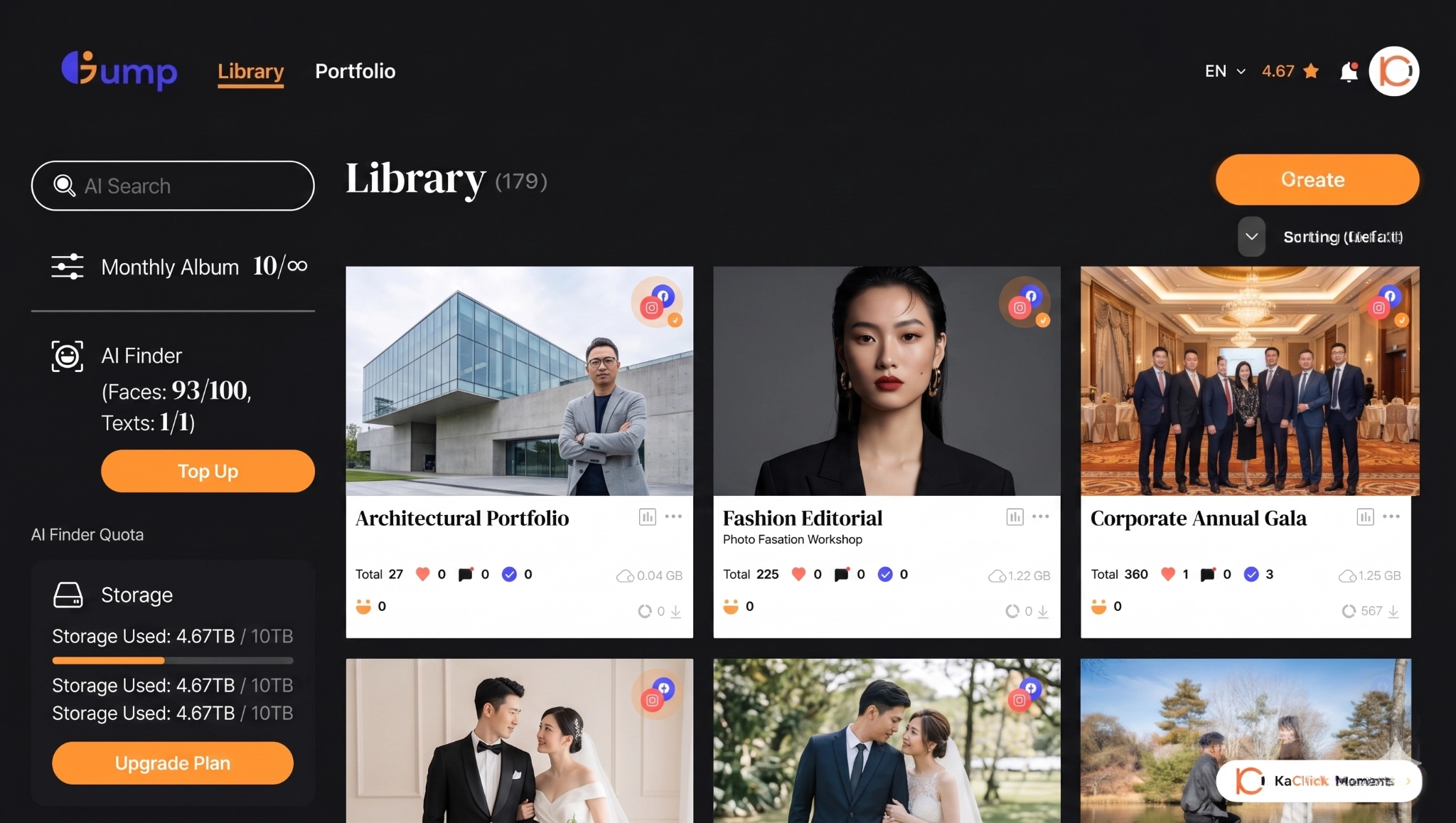
The first step is to eliminate scattered files.
All photos should be uploaded to a single shared workspace where everyone can access the same version.
This ensures:
No duplicate files
No confusion over versions
Easy access for remote teams
A centralized system becomes the foundation of your workflow.
Step 2: Simplify Photo Selection
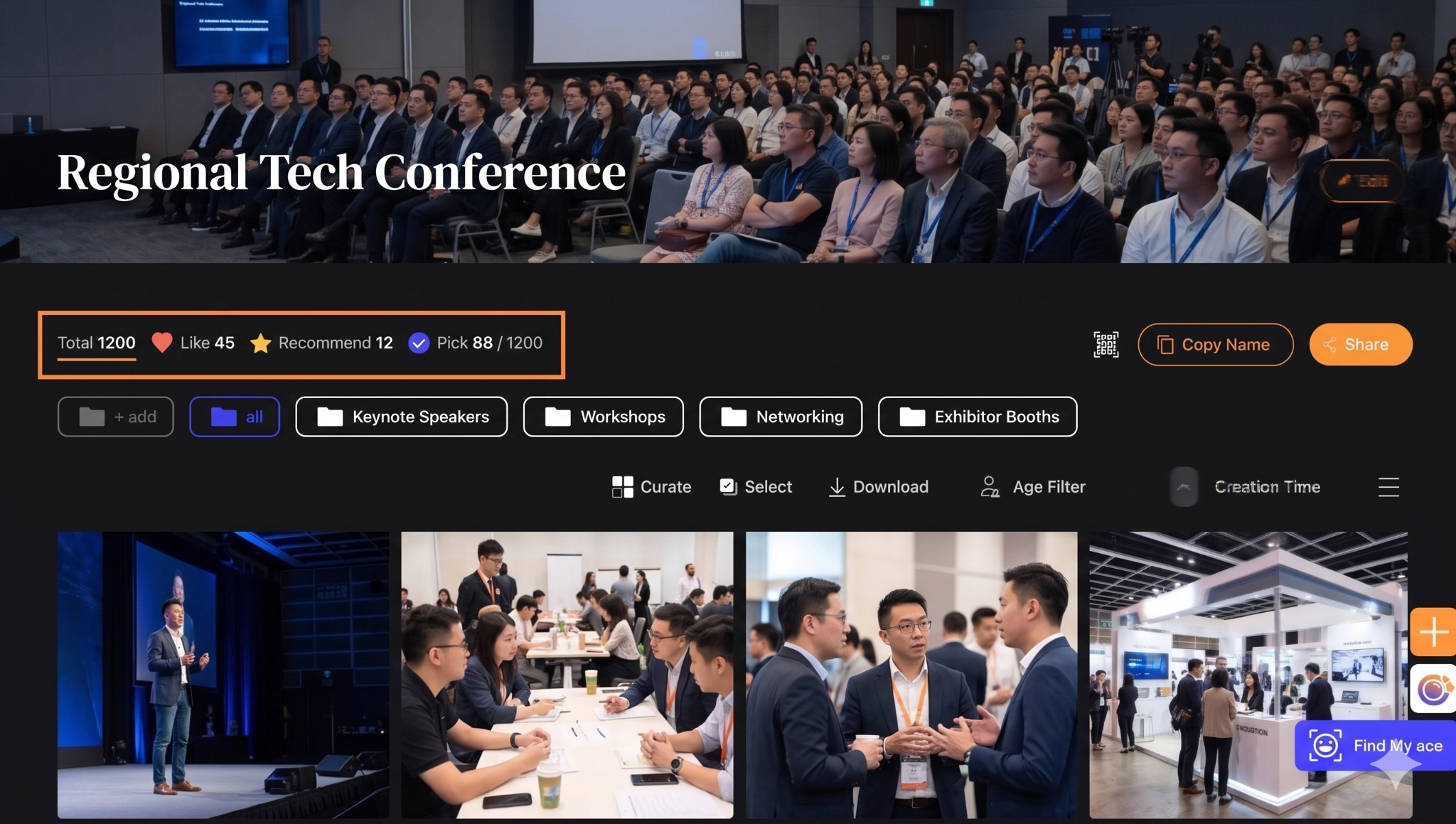
Once photos are uploaded, teams need an easy way to select the best images.
Instead of sending lists or spreadsheets, stakeholders should be able to:
Like or favorite images
Create selection lists
Review picks visually
This speeds up decision-making and reduces miscommunication.
Step 3: Enable Clear Feedback with Comments and Markup
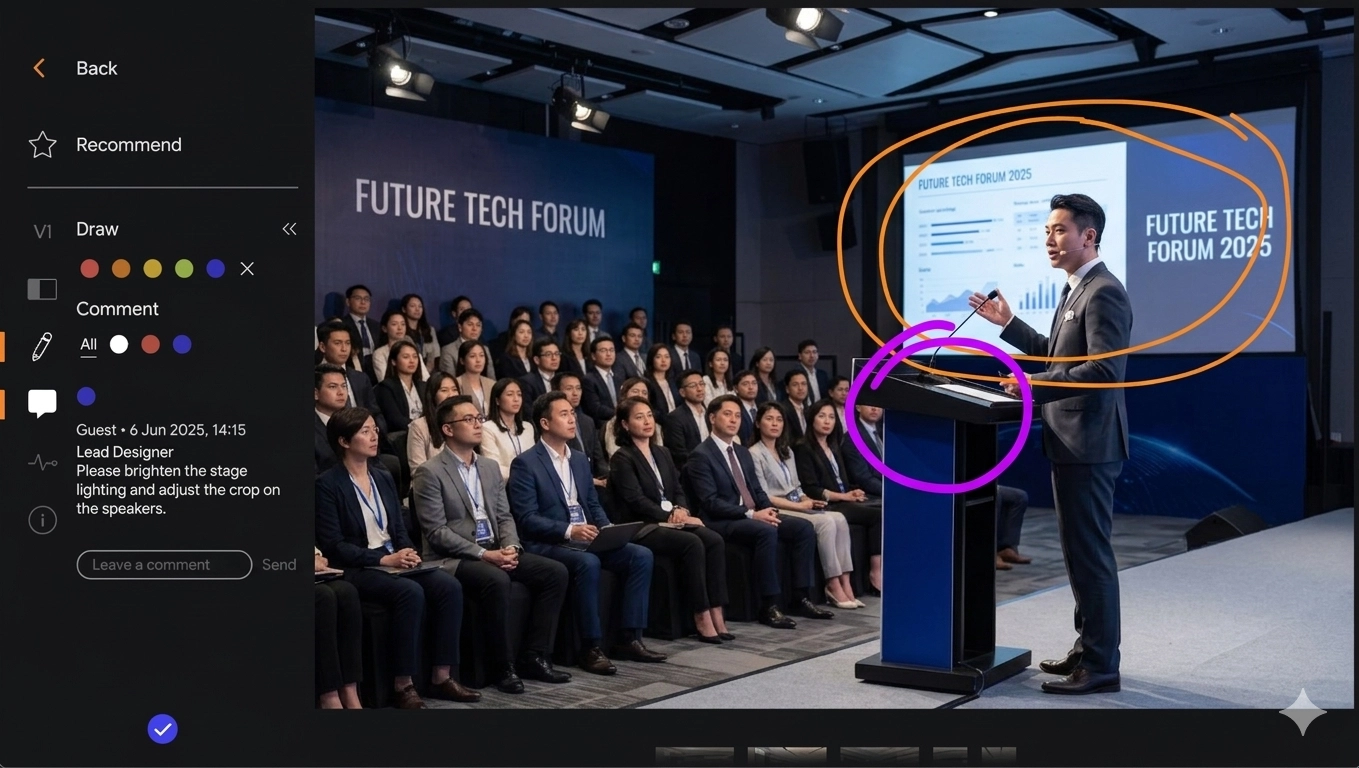
Clear feedback is critical when working remotely.
Teams should be able to leave comments directly on images and highlight specific areas for edits.
Examples:
“Adjust brightness here”
“Remove logo in this corner”
“Use this image for homepage banner”
Markup tools allow users to draw or point to exact areas, making feedback more precise.
This significantly reduces revision cycles.
Step 4: Streamline Approvals Across Stakeholders
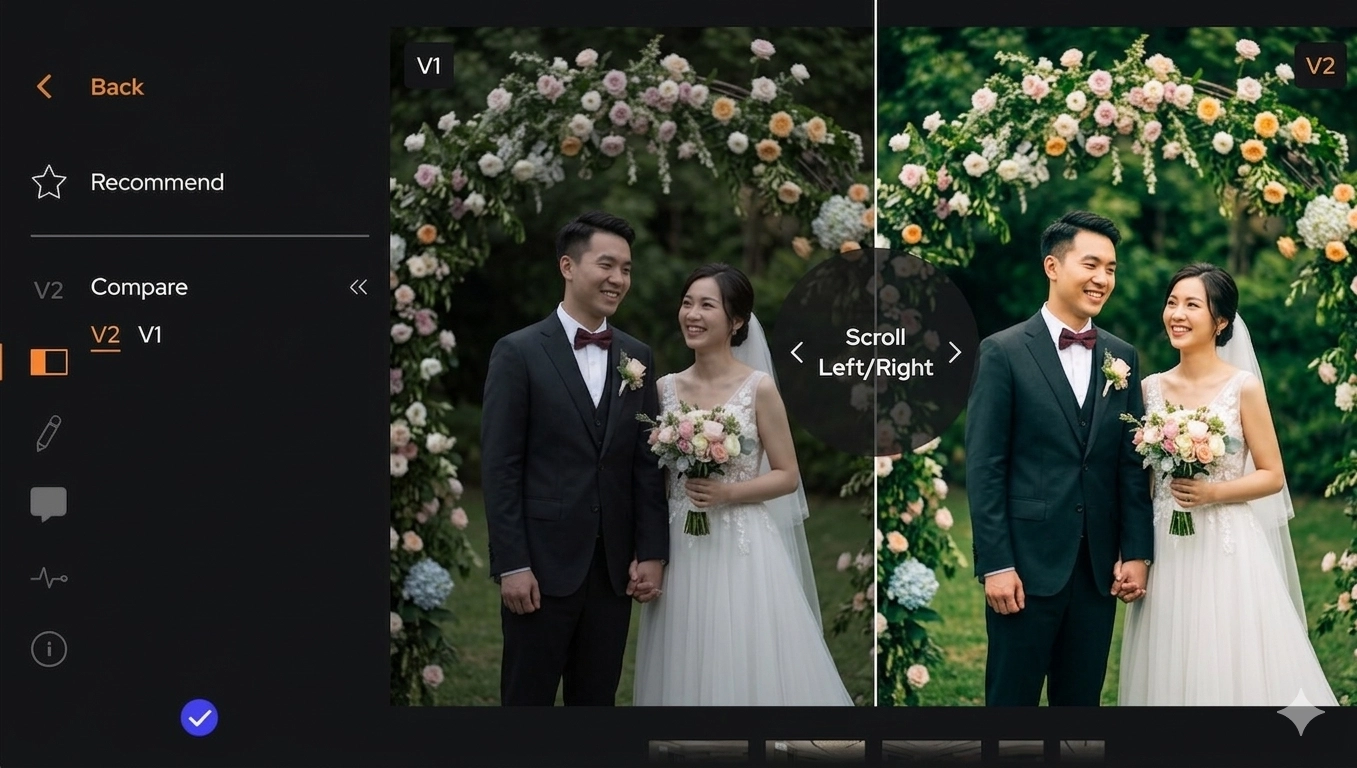
In many Asian teams, approvals involve multiple decision-makers.
A structured workflow should make it easy to:
Track which images are approved
See pending feedback
Align teams across different locations
Finalize selections faster
This avoids delays caused by unclear responsibilities.
Step 5: Enable Remote Collaboration in Real Time

With teams spread across Asia, real-time collaboration is essential.
A good workflow allows:
Instant updates when feedback is added
Shared visibility across teams
Access from different devices and locations
This reduces the need for constant meetings and follow-ups.
Step 6: Maintain Privacy and Access Control
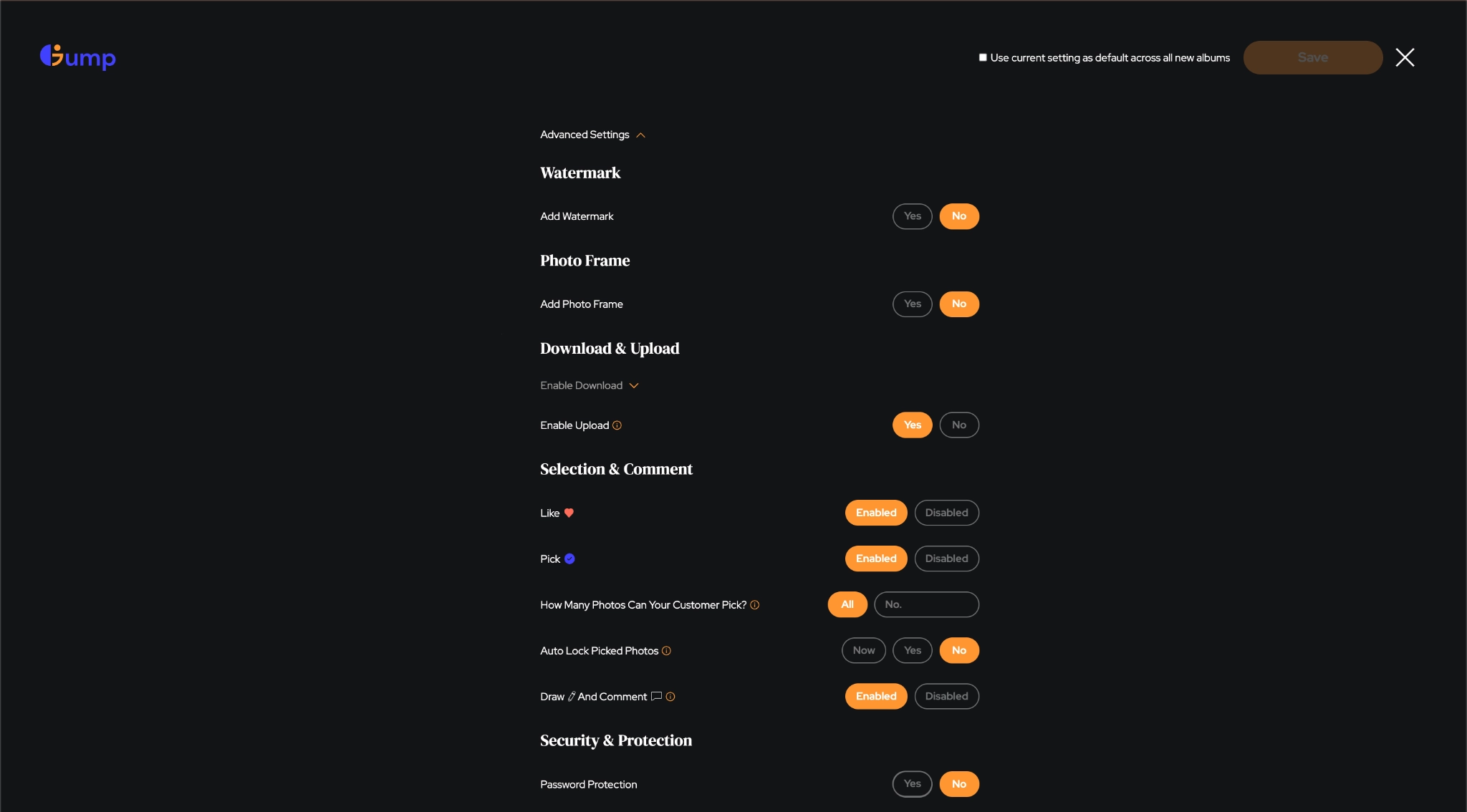
Different stakeholders may require different levels of access.
For example:
Clients may only see selected images
Internal teams may access full galleries
External vendors may have limited permissions
A proper system should allow controlled access to ensure security and privacy.
How Gump Supports Remote Teams in Asia

Platforms like Gump are designed to support modern photo collaboration workflows, especially for distributed teams across Asia.
With Gump, teams can:
Centralize all photos in one platform
Share galleries across countries instantly
Let stakeholders select and favorite images
Collect comments and feedback directly on photos
Use markup tools for precise instructions
Track approvals and revisions clearly
Control access for different users
Use AI-powered search to quickly find images
This allows teams in Hong Kong, Singapore, Tokyo, Jakarta, and beyond to collaborate seamlessly.
The Impact on Teams and Businesses
When collaboration becomes more efficient, the benefits are immediate.
Teams can:
Launch campaigns faster
Reduce revision cycles
Improve communication across regions
Deliver higher-quality work
Scale projects across multiple markets
For businesses operating in Asia, this is a competitive advantage.
The Future of Photo Collaboration in Asia
As remote work continues to grow, the need for better collaboration tools will only increase.
Teams that rely on outdated workflows will struggle to keep up with the speed and complexity of modern campaigns.
Those who adopt centralized, collaborative systems will be able to move faster, communicate better, and deliver stronger results.
Because in today’s environment, success is not just about great photos.
It is about how efficiently teams can work together to bring those photos to life.